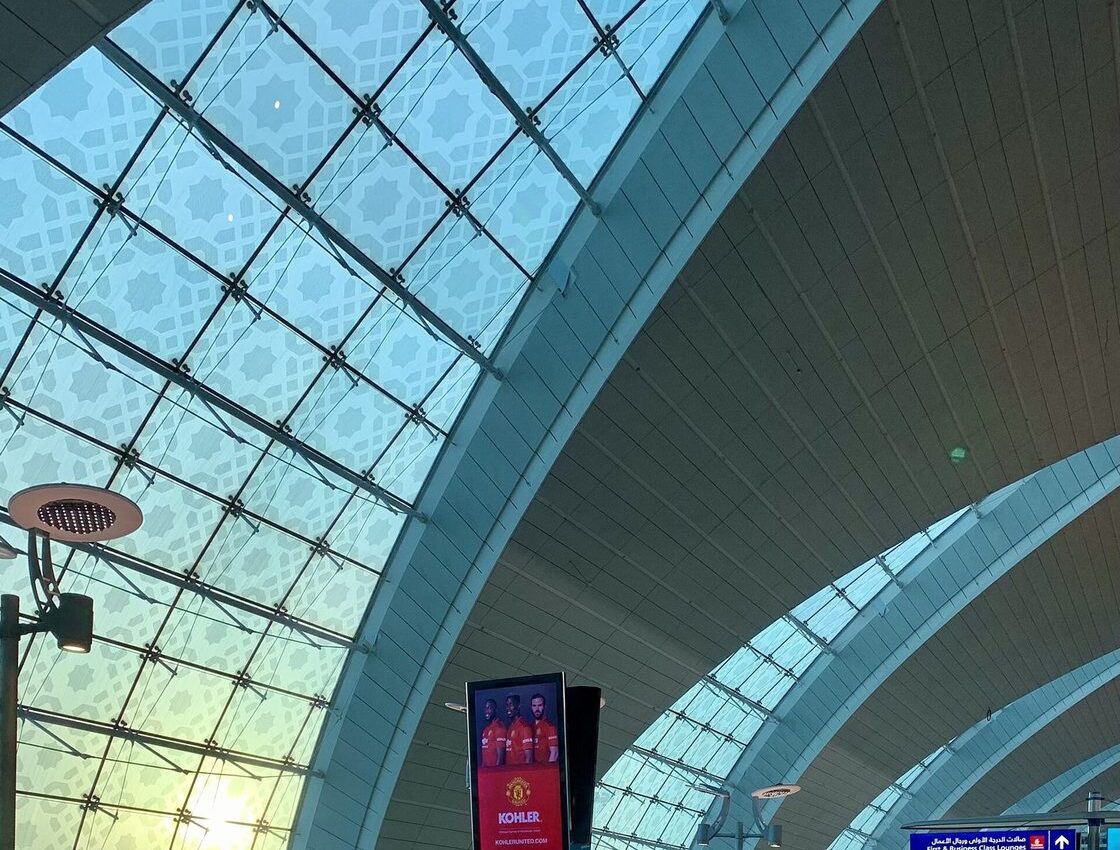
The Smart Gates at Dubai International Airport (DXB) let eligible travellers clear passport control in about 10–20 seconds with no officer and no stamp — you just look at the camera and walk through. UAE residents can use their Emirates ID or passport once their biometrics are registered with GDRFA, and many visitors with biometric passports from eligible countries can use them too. The gates are in Terminals 1, 2 and 3, in both departures and arrivals.
Quick facts
- Cost: Free — no registration fee
- Time needed: About 10–20 seconds per person at the gate
- Where it happens: DXB Terminals 1, 2 and 3, arrivals and departures halls
- Who can use them: UAE residents with a registered Emirates ID/passport and eligible visitors with biometric passports; children below the height/age limit use officer desks with family
- Registration: Usually automatic after your first officer-stamped entry or an Emirates ID fingerprint enrolment; check at a GDRFA desk if unsure
Step by step: use a Smart Gate
- Join the Smart Gate lane. Follow the Smart Gate signs in passport control and have your passport or Emirates ID in your hand — no boarding pass scanning is needed at the gate itself.
- Place your document on the reader. Residents can tap or insert the Emirates ID, or place the passport photo page flat on the scanner as shown on screen. Wait for the green light.
- Step into the gate when the doors open. Stand on the foot marks, remove hats, sunglasses and face coverings that hide your features, and look directly at the camera at eye level.
- Let the face scan match. Stay still for a few seconds. The system compares your live image with the biometric record linked to your document.
- Walk through when the second doors open. You are cleared — there is no stamp. If the gate flashes red or stays shut, step back calmly and go to the nearest officer desk; staff will check you manually and can fix registration issues.
- Families: process children at the officer desk first if they are too young or short for the gates, then use the gate yourself, or simply clear together at the family/officer counters.
📸 Follow @dxbtalk1 on Instagram for daily Dubai in photos →
How registration works
Most residents are already registered without knowing it: your fingerprints and photo were captured when your Emirates ID biometrics were taken and when an officer first processed you at a UAE border. That GDRFA record is what the gate matches against. If you recently renewed your passport, carry the old one for your first trip — the officer can link the new passport to your file in a minute, after which the gates work with the new document. Visitors from countries whose passports are biometric and covered by the Smart Gate programme can usually register at their first officer desk and use gates on later trips. If a gate ever rejects you, it is nearly always a registration or document-linking issue, not a visa problem.
Costs
Using the Smart Gates is completely free: there is no fee for registration, no fee per use, and no charge if you end up at the officer desk instead. Your only related costs are the normal ones — keeping your passport valid and your Emirates ID renewed. Beware of any third-party website offering paid “Smart Gate registration” for DXB; the airport and GDRFA do not charge for this service.
Departure versus arrival: what to expect
On departure, the gates sit after check-in and security in the passport control hall; clearing takes seconds, which is why DXB regulars arrive later than visitors who queue. On arrival, gates are equally fast, but remember two things: your baggage and customs checks still happen afterwards as normal, and if you need an entry stamp as proof for a bank, employer or foreign authority, ask at an officer desk instead — gate crossings are recorded electronically in the GDRFA/ICP system (and visible in UAE PASS), not stamped in the passport. Residents sponsoring family or tracking days for tax purposes can download their travel movement report from ICP/GDRFA when they need paper proof.
Common mistakes
Looking at the screen instead of the camera is the number one failure — your eyes must meet the camera lens. Second, carrying a child or holding luggage in front of your face blocks the scan; put bags down and let children wait behind the line with the other parent. Third, using a damaged or very new passport whose chip the reader struggles with: slow down, flatten the photo page fully on the glass, and retry once before heading to a desk. Fourth, residents sometimes present an expired Emirates ID — the gate checks validity, so renew first. Finally, do not push through on someone else’s green light: one person per cycle, every time.
Frequently Asked Questions
Can tourists use the Smart Gates, or only residents?
Many tourists can. Holders of biometric passports from eligible countries can normally use the gates once registered at a first officer check. If the gate declines you, the officer desk will process you the usual way.
Will I still get an entry or exit stamp in my passport?
No. Smart Gate crossings are recorded electronically. If you need a physical stamp as evidence, ask the officer at a manual desk before using the gate, or download a movement report later from ICP/GDRFA.
My Emirates ID works but my new passport does not. Why?
The new passport is not yet linked to your biometric file. Clear once at an officer desk with both passports and the officer will link them; the gates should accept the new passport from then on.